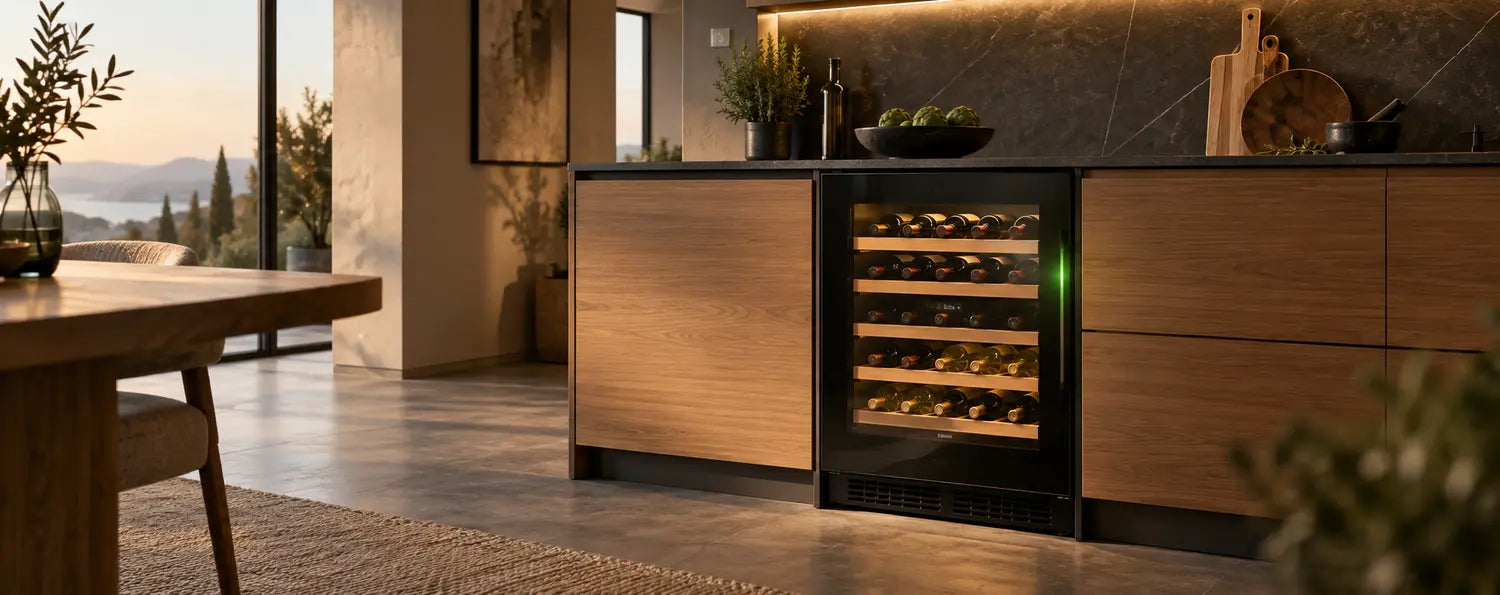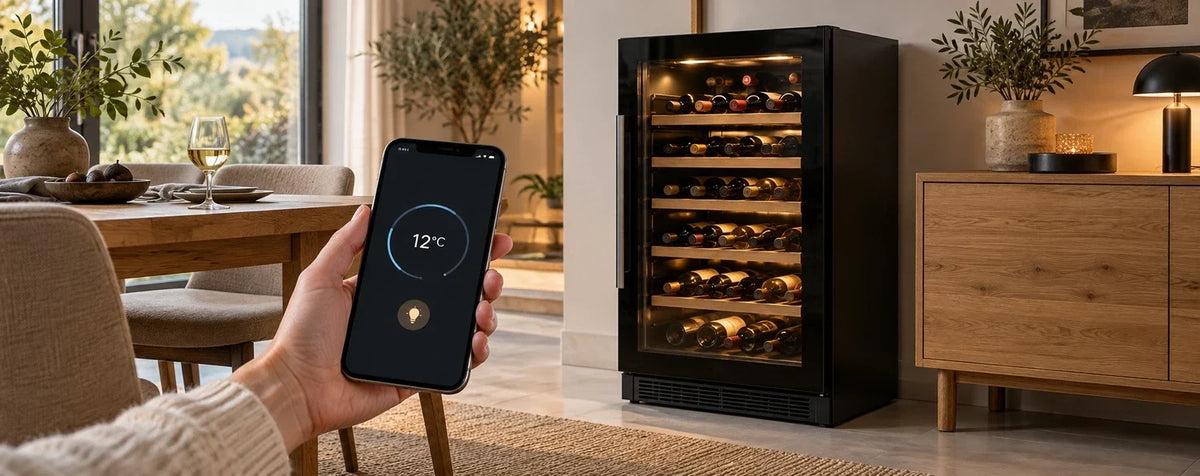
A wine cooler with Wi-Fi and an app may let you adjust temperatures remotely, manage lighting or view operating warnings, depending on the model. A wine-management app alone does not automatically offer these appliance controls. Automatic detection of added or removed bottles also requires dedicated sensors.
A glance at your smartphone can make managing your wine collection easier: find a bottle, check a setting or receive a message. To match the features to your expectations, look closely at the word “smart”. It does not describe a standard set of functions.
Three capabilities to distinguish before buying
| Capability | What it offers | What it requires |
|---|---|---|
| Digital wine management | Organise wines, quantities, locations and notes in an app. | A suitable app; without sensors, additions and removals are recorded manually. |
| Remote appliance control | Use supported settings or operating information from your phone. | An explicitly compatible appliance with the required connection and app. |
| Automatic stock changes | Detect occupancy at supported bottle positions. | Sensors, compatible shelves and the associated system. |
These capabilities may be combined, but do not have to be. A description such as “Vinotag compatible” is only a starting point: check whether it means a digital wine book, remote appliance control or sensor-based inventory.
Which functions can you use from your smartphone?
Adjust temperature and check operating values
Suitable Wi-Fi models allow you to set supported temperature zones in the app. The appliance still determines the permitted range. Also check whether the app displays only the setpoint or a measured operating value as well. Air temperature inside the cabinet is not automatically the temperature of every individual bottle.
One example in our range is the CASO WineExclusive 126 Smart, with documented Wi-Fi control through the CASO app and two adjustable temperature zones. When setting it up, check the current app and pairing instructions for your model; app names and supported versions may change.
Manage the lighting
Some models allow app control of interior lighting. Depending on their features, this may mean switching it on and off or selecting particular lighting modes. LED lighting on the appliance does not automatically mean remote control, dimming or colour adjustment.
For the La Sommelière APOGEE 145DZN, the specifications describe remote management of temperature, lighting and alarms through Vinotag. These specific capabilities cannot be assumed for every wine cooler from the same brand.
Receive operating warnings
An app may relay supported warnings or fault messages. The events reported vary by model: temperature warnings, door alerts and technical errors are separate functions. Also distinguish local audible alarms on the appliance from push notifications on your phone.
A notification depends on the required connection, associated service and notification permissions working. During a power failure or loss of internet, the appliance may be unable to send a current message. Having an app is therefore not a guarantee of uninterrupted monitoring.
What does a digital wine book offer?
A digital wine book helps organise the collection: wine name, vintage, quantity, location and personal notes stay together. Depending on the app, label searches, reminders or further information may be available. Without appropriate sensors, you must enter stock changes yourself.
If you frequently take out individual bottles, use a consistent routine. Record a removal immediately so the displayed quantity remains accurate. Precise records are especially useful for different vintages of the same wine. Find more ideas in our guide to organising and using your wine cooler.
Automatic inventory: what do intelligent shelves detect?
Sensors can detect whether a supported bottle position is occupied or whether a bottle has been added or removed. This is different from automatically identifying the producer, vintage or drinking window. The bottle’s identity must be recorded and assigned to a location using the system’s intended process.
The La Sommelière ECELLAR150 is an example in our range with connected sensor shelves and Vinotag management. With such appliances, check how many positions are actually monitored. Maximum bottle capacity and the number of sensor-equipped positions may differ; additional stacked storage areas are not automatically connected in the same way.
Bottle shape and arrangement also affect usable capacity. Our article on bottle sizes and capacity specifications helps compare your collection with the planned layout.
Infographic: not all app compatibility means the same thing

Wi-Fi in a German home: what to check before buying
Check reception at the intended installation position. A router in the living room may provide a much weaker signal in a cellar or behind tall cabinetry. A smartphone connection test is a useful first indication; the appliance’s own requirements remain decisive.
- Supported Wi-Fi band and encryption in the pairing instructions.
- App compatibility with your current iOS or Android version.
- Availability of the app and required services in Germany.
- Required user account and possible additional app offerings.
- Internet dependence of remote functions and behaviour when the connection is interrupted.
Many appliances use 2.4 GHz, while others support additional bands. Do not rely on a universal Wi-Fi rule. A guest network or router settings that isolate devices can also complicate setup. If problems occur, follow the instructions for the exact model reference.
Set up privacy and access thoughtfully
Read about the data the app needs and the permissions you grant. Camera access for recording labels, for example, serves a different purpose from notification permission. Check account deletion, access for other household members and the provider’s information about handling your data.
Keep the app and phone updated and choose a unique, secure account password. Before selling or passing on the appliance, remove it from your account and reset its connection as instructed. The word “smart” does not establish a particular privacy certification or server location.
Which solution suits you?
| Your goal | Useful capability | Key check |
|---|---|---|
| Keep a small collection organised | Digital wine book. | How easy is it to update quantities and locations? |
| Check settings while away | Documented remote control. | Which zones, values and lighting functions are supported? |
| Learn about operating issues | Supported operating warnings. | Which events trigger push messages, and under what conditions? |
| Track many bottle positions regularly | Sensor-based inventory. | Which positions are detected and how are wines assigned? |
Choose capacity, appliance format and storage approach first, then app features. Wi-Fi does not replace an appropriate climate class, good ventilation or suitable temperature zones. Compare annual energy use and electricity costs independently of connectivity too.
Checklist: answer these questions before ordering
- Which app belongs to the full model reference?
- Can I control the appliance or only manage my collection?
- Which temperatures can I set and which values can I view?
- Which lighting functions and warnings are explicitly documented?
- Does the system need sensor shelves, and how many positions are monitored?
- Which Wi-Fi, account and smartphone requirements apply?
- Which functions remain available on the appliance without the app connection?
Frequently asked questions about Wi-Fi wine coolers
Is every Vinotag-compatible wine cooler remotely controllable?
No. Depending on the model, the app may provide wine management, remote control or sensor-based inventory. Check the specific category and functions in the product description and instructions.
Can I change the temperature while on holiday?
On suitably equipped appliances, remote app control is possible when the required connections and services are available. A wine-management app alone does not offer this capability.
Does a Wi-Fi wine cooler automatically recognise every bottle?
No. Wi-Fi alone does not detect bottles. Suitable sensors are required, and the wine must be assigned to the detected position using the system’s prescribed process.
Does cooling continue without Wi-Fi?
For the appliances described here, cooling is an appliance function. A loss of internet mainly interrupts connected services; power and suitable local operating conditions are still required. The manual explains which settings remain locally available.
Can I retrofit an ordinary wine cooler with an app?
You can keep a digital wine book independently. Actual remote temperature control and sensor-based inventory require suitable hardware. A smart plug does not replace these functions.
Does every app offer voice control or smart-home integration?
No. These integrations must be explicitly supported for the model and system. Wi-Fi connectivity does not establish compatibility with voice assistants.
Find the right connection to your wine collection
Explore CASO Design and La Sommelière and compare each model’s documented app capabilities. Our personal advice service can help bring together capacity, wine storage and the digital features you want.